
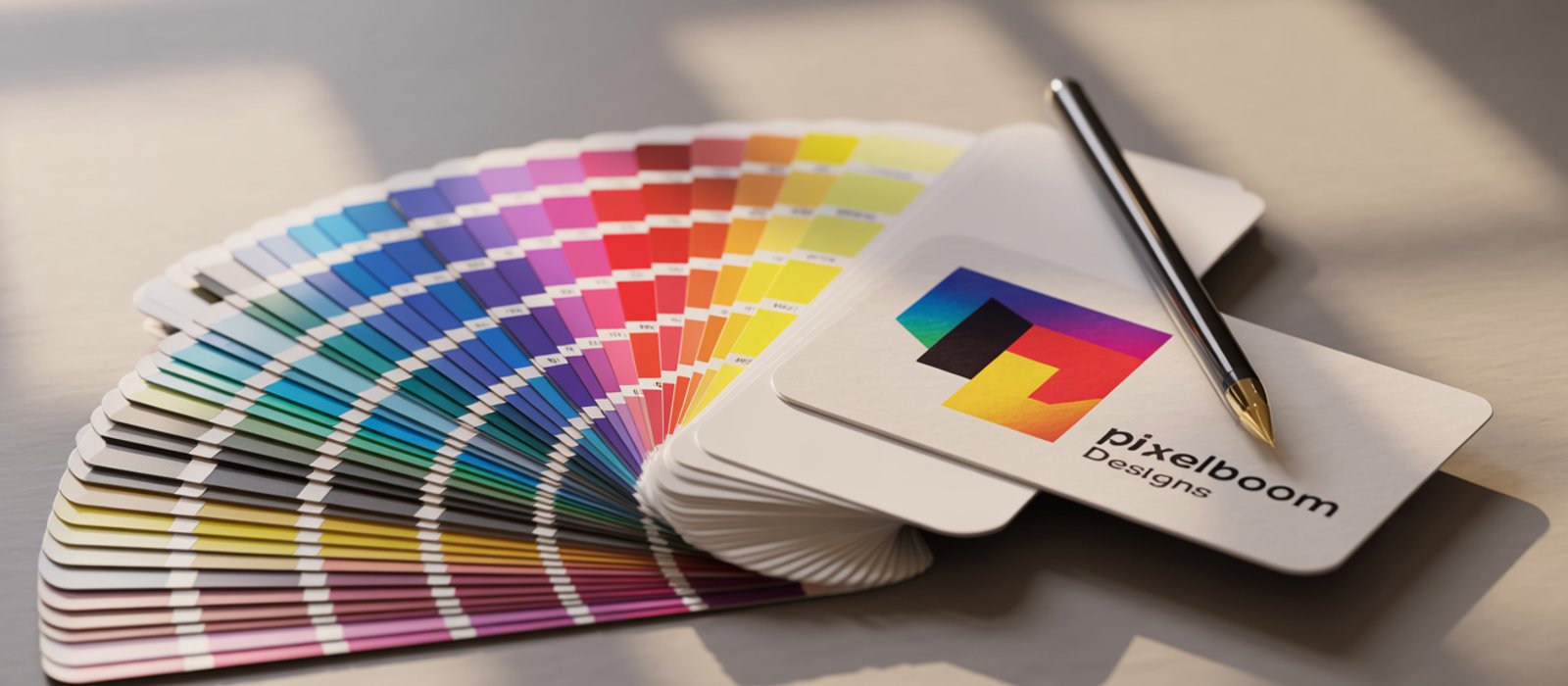
There's a moment every business owner knows: you collect your printed materials, hold one up, and feel that quiet disappointment. The colours look flat. The text is slightly soft. The logo that looked sharp on screen now looks a little lost. Nobody planned for it to go that way — but somewhere between the design file and the finished print, something slipped.
The good news? That gap is almost always avoidable. When design and printers work in genuine collaboration — sharing information early and communicating throughout — the results are consistently better. This post walks you through exactly how that collaboration works, and what you can do to make it happen on your next project.
Why Design and Printers Need to Speak the Same Language
Design and printers are not separate steps in a process — they are two halves of the same conversation. A file that looks perfect on a calibrated monitor can still produce dull or inconsistent results if the design hasn't been prepared with the specific print process in mind.
The core issue is colour. Screens display colour using RGB (red, green, blue) light — a system capable of producing vivid, luminous tones. Printers use CMYK inks (cyan, magenta, yellow, black). The CMYK gamut is smaller, which means some bright screen colours simply cannot be reproduced in print. Designers who understand this convert their files to CMYK before sending them — and choose colours that will survive that conversion without looking washed out.
Resolution matters just as much. The standard for quality print is 300 dpi (dots per inch) at the final output size. A logo pulled from a website at 72 dpi and scaled up will print with visible pixelation, no matter how good your printer is. According to guidance from the Printing Industries of America, file resolution is one of the most common sources of quality complaints in commercial print — and one of the easiest to prevent.
The practical takeaway: before any file goes to print, confirm it's in CMYK, set to 300 dpi at the correct dimensions, and includes the appropriate bleed (typically 3mm in the UK) so there are no white edges after trimming.
How Material Choice Shapes Your Design Decisions
The material your print is produced on directly affects how your design should be built — and choosing the right substrate early saves costly reprints later.
Different surfaces absorb ink differently, reflect light differently, and suit different environments. A high-gloss finish punches up contrast and makes photography pop, which is why it works well for poster printing in retail windows. A matte or satin finish reduces glare, making text easier to read under artificial lighting — better suited to information-heavy displays or indoor signage.
For outdoor applications, the substrate conversation becomes even more important. Here's a quick comparison of the most common options:
| Material | Typical price range | Best for |
|---|---|---|
| Correx board | £10–£25 per board | Short-term outdoor signage, events, site hoardings |
| Foamex / PVC foam | £20–£50 per board | Indoor displays, exhibitions, retail |
| Dibond (aluminium composite) | £40–£120 per board | Permanent external signs, prestige applications |
| Vinyl banner | £15–£60 depending on size | Outdoor promotions, large-format temporary display |
Price ranges are indicative for single-unit UK print production in 2026 and will vary by size and quantity.
Knowing which material you're printing on shapes decisions like font weight (thin fonts can break up on textured substrates), minimum text size (smaller text is harder to read on a banner viewed at distance), and finish (some laminates alter perceived colour). When you tell your printer the intended material and environment upfront, they can flag potential issues before a single sheet is printed.
If you're unsure which substrate fits your project, our signage and display range covers the most common options with clear material guidance.
The Brief: Where Good Print Jobs Are Won or Lost
A clear, detailed brief is the single most effective thing you can do to ensure design and printers produce the result you're imagining. Vague briefs produce vague results — and expensive corrections.
A solid print brief covers six things:
- Final dimensions — the actual finished size, not the artwork size before bleed
- Quantity — unit costs often drop significantly at higher volumes, so knowing your run length early helps with budgeting
- Intended use — indoor or outdoor, temporary or permanent, viewed up close or at distance
- Brand assets — logos in vector format (AI, EPS, or SVG), Pantone or CMYK colour references, and any brand guidelines
- Timeline — when the job needs to be delivered, not when you'd like to start
- Finishing requirements — eyelets, lamination, mounting, trimming, or any special treatments
When a brief includes all of this, the printer can spot potential issues immediately — a timeline that doesn't allow for proofing, a file format that won't scale cleanly, a colour that needs a Pantone match. For exhibition work especially, where multiple components need to align visually, a complete brief at the start prevents expensive reprints. Exhibition display jobs involving pop-up stands, roller banners, and printed graphics all need to be colour-matched across different substrates — something that's straightforward with a proper brief and very difficult without one.
If you're not sure what to include, get in touch with us directly and we'll walk you through it. A five-minute conversation at the start of a project typically saves hours of back-and-forth later.
Proofing: The Step That Protects Everyone
Proofing is not a bureaucratic delay — it is the point at which design and printers catch problems before they become expensive mistakes. Skipping this step is one of the most common reasons print jobs disappoint.
There are two main types of proof. A soft proof is a calibrated digital file — usually a PDF — that shows how the finished piece should look. Soft proofs are fast and free, and they're sufficient for most straightforward jobs. A hard proof is a physical print of your file on the actual intended substrate, produced before the full run. Hard proofs cost more and take longer, but for large-format projects, high-value print runs, or anything with precise colour matching requirements, they are worth every penny.
One practical rule: always check a proof under the same lighting conditions in which the final print will be viewed. Office lighting and retail lighting render colours very differently. A vinyl banner that looks perfect under fluorescent strip lights in a warehouse may look slightly warm or cool in natural daylight.
The proofing stage is also the right moment to check bleed, margins, spelling, and that no design elements have shifted during file conversion. A fresh pair of eyes helps enormously — it's easy to read past a typo in your own copy when you've been looking at it for hours.
Getting It Right from the Start
The relationship between design and printers isn't transactional — it works best as a genuine back-and-forth. Share your brief early. Ask questions about substrates and finishes. Supply files in the right format. Approve a proof before the full run. These aren't extra steps; they're the steps that produce print you're actually proud of.
Whether you're ordering branded promotional items for an event, large-format signage for a new premises, or anything in between, the same principles apply: clear communication and well-prepared files make the difference between good print and great print.
If you've got a project in mind and want to talk through the details before committing to a quote, contact the team at Designs on Print. We're based in Thetford, Norfolk, and work with businesses across East Anglia and the UK — and we're always happy to help you get the brief right before anything goes to press.